How to Record, Summarize, and Automate Your Meetings
From setup to powerful automation workflows, learn everything about what you can do with Alter to handle your meetings.
Hey everyone,
We’re publishing our first long video format to help you get the most of Alter.
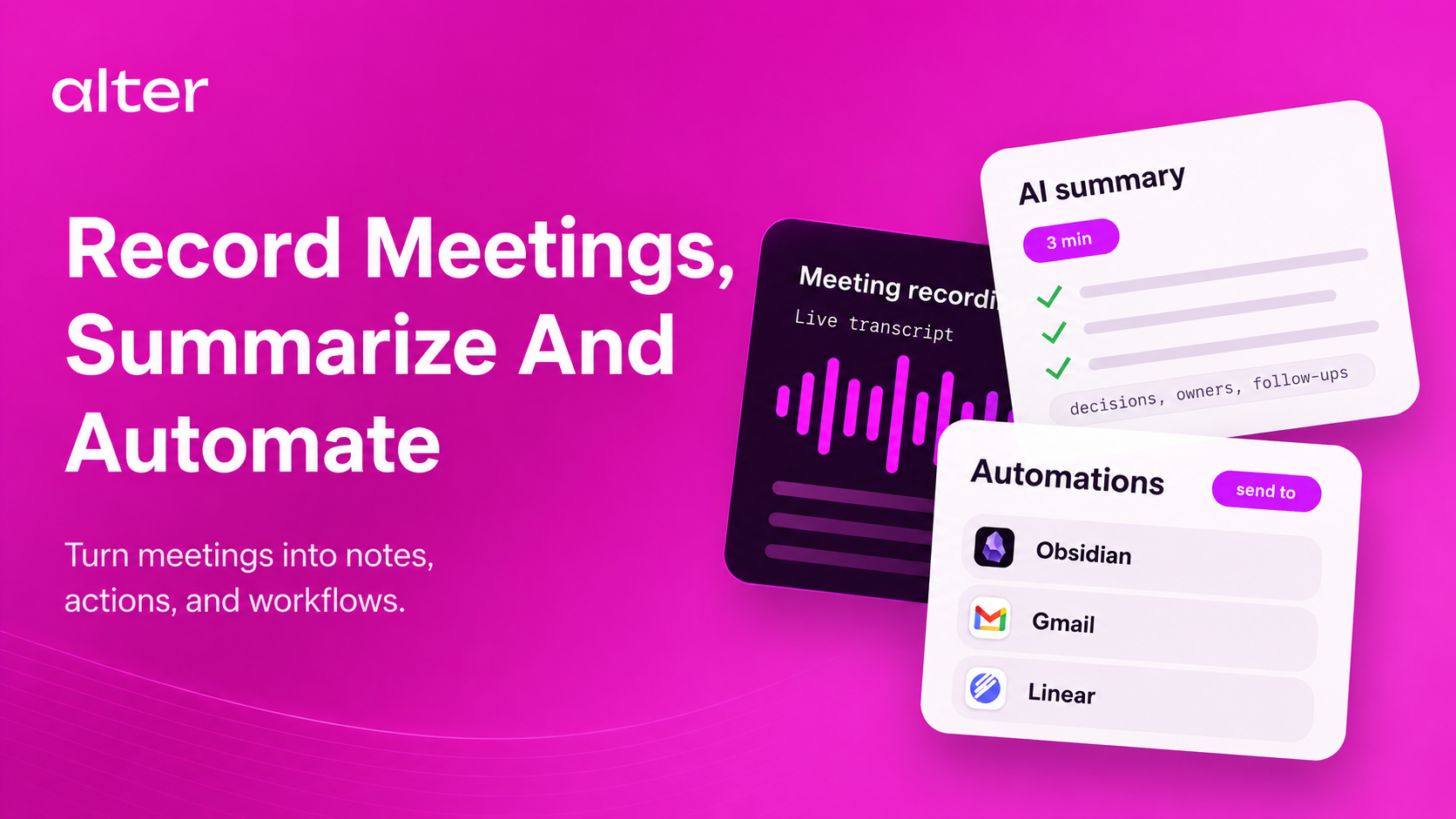
This first video is about Meetings and everything you need to know to build a system that works for you.
It starts with the basics, go through the live capabilities of Alter with Live Captions and the Live Notepad, and ends with advanced automation tips.
Timestamps
00:00Intro
00:34The full AI meeting workflow in Alter
01:07Choose the right voice processor
02:24Check your audio setup before meetings
03:13Automatic meeting detection
03:56Customize meeting detection settings
04:33Why calendar context matters
05:10Start meetings manually when needed
05:42Use Live Captions during meetings
06:14Use Live Notepad during meetings
06:54Review the transcript and fix speakers
07:55How speaker matching works
08:39Generate a meeting report
09:09Customize meeting reports
09:59Automate actions with On New Transcript
10:50Create multiple outputs from one transcript
11:24Handle back-to-back meetings
12:04Troubleshooting tips
12:42Recover recordings and rerun transcription
13:23Import existing audio and video files
14:09Search, save, and sync transcripts
15:03Full workflow recap
Cheers,
Olivier & Sam
Full Changelog
New Features & Enhancements
- Speaker matching: Added calendar selection for speaker matching and support for matching speakers from calendar contacts, added manual calendar event selection.
- QuickHub shortcuts: Added a Control double-tap QuickHub shortcut, Esc no longer closes the QuickHub.
- Conversation workflows: Improved user experience when forking a conversation from a user message.
Bug Fixes & Stability
- Meeting and audio recovery: Added retry recovery for audio input failures, recovered selected input authorization failures, fell back to mic-only mode when meeting audio routes fail, hardened the end-of-meeting detection.
- Speaker and transcript quality: Prevent transcripion from stalling because of bad vocabulary, improved speaker name matching, and restored live transcript context loading in QuickHub.
- QuickHub reliability: Prevented modifier-click misfires, fix background job not being in the background, close blank chat tabs on Command-W when other chats are open, and hardened QuickHub close teardown to prevent a crash when dismissing the window.
- Tools and task stability: Improved tool matching in tasks, preserved OpenAI tool-call history in BYOK scenarios, and improved skill info failure diagnostics.
- AppSense and context handling: Fixed AppSense contexts wrongly being added to messages, table formatting improvements, fixed contexts not following along when forking from the first user message.
- Voice: Display the meeting apps monitored for voice detection.