AI Just Wrote My Keynote — Then I Made It Shine
AI writes the draft. You make it magic. New Keynote power in Alter — and what we’re doing this summer. 🌞
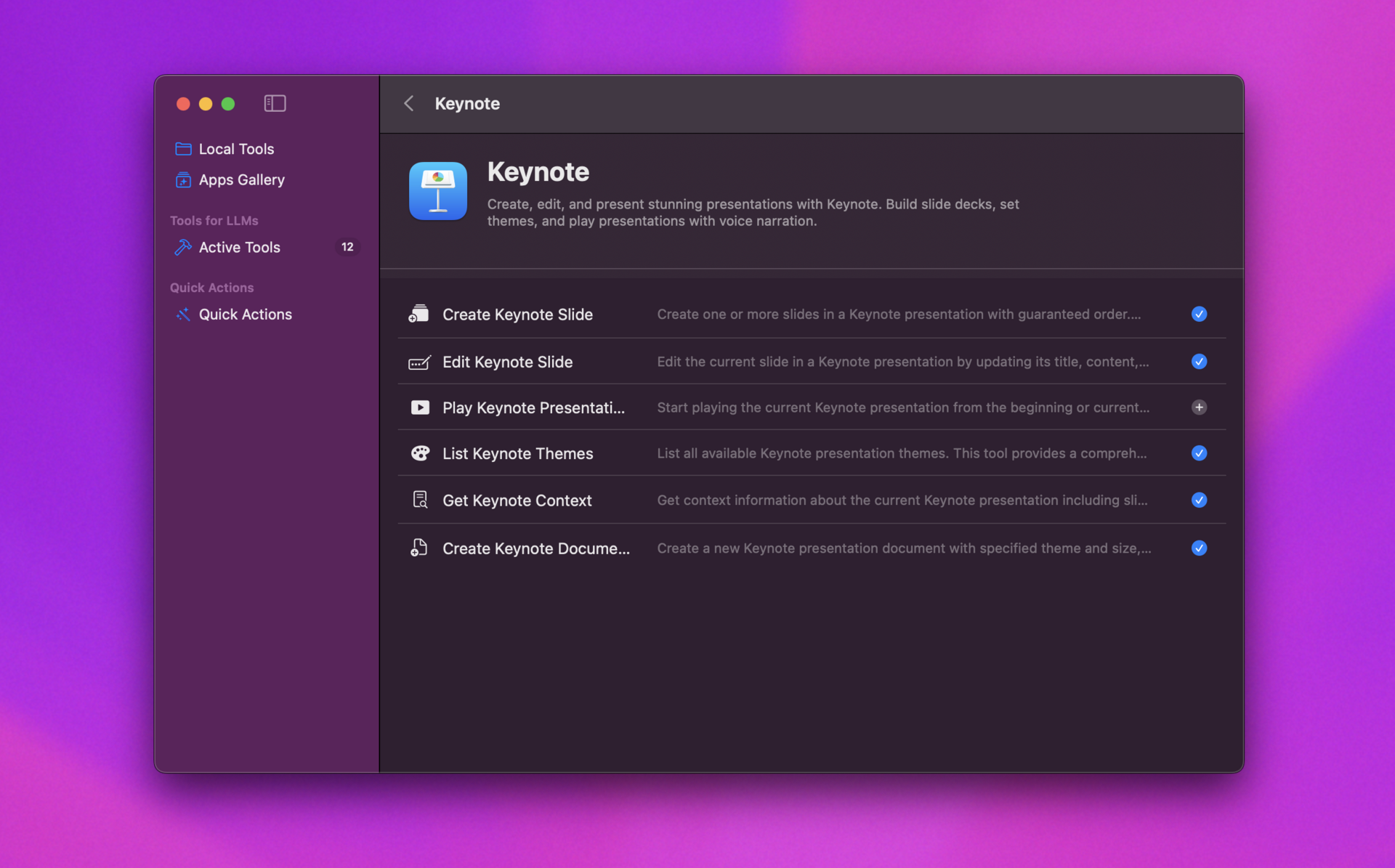
The guide to use this feature is already available!
Read it here: Create Keynote Presentations from Any Content with AIOlivier
Hey everyone,
Remember spending hours turning a great idea into a Keynote deck?
Yeah… we’re done with that.
Today, we’re launching a new way to build presentations — fast, flexible, and fully in your control.
Introducing: AI-Powered Keynote Drafts in Alter
Drop any content — a blog post, research doc, even a long tweet — into Alter, and in minutes, get a real Keynote presentation with:
- Slide structure & messaging
- Speaker notes (yes, already written)
- Charts & data visuals (editable, of course)
- Full access to Keynote’s pro tools
No more blank slides. No more copy-pasting. Just momentum.
Why This Isn’t Just Another AI Slideshow
We tested a lot of “one-click presentation” tools. Most fail because they try to do everything — and end up locking you into bad design, broken charts, or rigid layouts.
So we built something different:
- AI handles the draft — structure, content, first-pass visuals
- You handle the magic — polish, tone, storytelling, design
It’s like having a junior co-pilot who reads the material, takes notes, and builds the outline… then hands you the wheel to make it yours.
Perfect for:
- LinkedIn posts that actually stand out
- Investor updates with clean, clear data
- Team syncs where you want to show, not explain
- Founders who hate wasting time on slides
Try It Now
- Open Alter
- Paste any article or doc
- Say: “Make a Keynote presentation”
- Boom — your draft opens in Keynote, ready to edit
We’re using Claude Sonnet 4 under the hood — it’s been our most reliable model for structured, accurate slide generation. It’s slow but worth it.
And because it’s real Keynote, you can:
- Swap chart style in one click
- Tweak colors, fonts, animations
- Add tables, images, branding — no limits
This isn’t about replacing creativity.
It’s about replacing busywork.
Try it today → alterhq.com
— Sam
P.S. Heads up: the Alter team is taking August off for rest and recharge 🌞🏖️
We’ll still ship critical fixes, but major updates pause until September, when we come back stronger, sharper, and full of new ideas.
Enjoy the summer — we’ll see you in the fall with something special.
Videos on Alter
- AI can now read your clipboard: create incredible workflows
- Unlock YouTube superpowers - extract info & master anything
- Live AI chat with any website: documentation, articles & more
- Automatic email outreach in 3 min - no effort - onboard your new users
- Write a newsletter in 5 min with AI, walking in a park
Join the community
Discord | Twitter | Website
Full Changelog
New Features & Enhancements
- Live Transcription with Diarization: Real-time transcription with speaker identification done locally
- WhisperKit Pro Integration: Optimized models for faster processing and less battery usage
- Settings: Better voice processing settings
Bug Fixes & Stability
- Audio Processing: Complete refactor of voice processors
- Context Management: Resolved race conditions when removing contexts and fixed arrow navigation
- Editor Improvements: Proper sorting and filtering of models in the editor interface
- File Context: Prevented selected file names from being incorrectly used as contexts in Finder
- Token Counter: Optimized token counting performance
- JSON Schema: Fixed OpenAI tool parameter conversion issues
Videos on Alter
- AI can now read your clipboard : create incredible workflows
- Unlock YouTube superpowers - extract info & master anything
- Live AI chat with any website: documentation, articles & more
- Automatic email outreach in 3 min - no effort - onboard your new users
- Write a newsletter in 5 min with AI, walking in a parc